Signature Maker
Draw or type your signature and save a transparent PNG. Free, and your signature is not uploaded.
TL;DR
A signature maker turns your handwriting or your name into a picture of your signature. This free tool lets you draw a signature or type one in six handwriting styles, then download a PNG with a transparent background. It runs in your browser, so your signature is not uploaded.
Your signature is made in your browser. It is not uploaded.
How to Make a Signature
1
Draw or type
Sign on the pad with a finger, mouse or stylus, or type your name and pick a style.
2
Pick an ink
Choose black or blue, then tap the button to create your signature.
3
Download
Save signature.png, or use Share or save on a phone, then add it to your document.
What This Signature Maker Does
This signature maker creates a picture of your signature. You draw it by hand or type your name in a handwriting style. The result is a PNG file with a transparent background, cut close to the ink, so you can put it on any document without a white box.
- The result is a picture of a signature. It is not a certificate-based digital signature, and the tool does not check who signed.
- The tool makes the image only. It does not place it on a document. You insert the PNG in your own document or PDF editor.
- Output is a PNG, in one ink color per signature: black or blue.
- Nothing is stored. If you close or reload the page, the signature is gone, so download it first.
Draw Signature on the Pad
To draw a signature, sign on the pad with a finger on a phone, a mouse or trackpad on a computer, or a stylus. The tool smooths your line as you go. It gets a little thinner where your hand moves fast and tapers at both ends, so it looks like pen ink.
With a stylus that reports pressure, the line width follows the pressure. Tap Undo to remove the last stroke or Clear to start again. A drawn signature is your own, so it works for any name in any script.
Type Signature in Six Styles
This cursive signature generator writes your name in a handwriting style. Type up to 40 characters, then pick one of six styles. Each style shows a preview with your name. It is a quick way to create a signature when you do not want to draw one.
The styles are the open-licensed fonts Alex Brush, Dancing Script, Mrs Saint Delafield, Sacramento, La Belle Aurore and Homemade Apple. They load only when you open the Type tab. Type mode writes Latin letters, including accented ones. For a name in Cyrillic, Greek, Arabic, Chinese, Japanese or Korean, use Draw.
Typed signatures come from fonts, so two people who type the same name in the same style get the same image. If a style lacks a letter of your name, it is grayed out.
Online Signature Generator PNG
This online signature generator saves your signature as signature.png. The background is transparent, and the image is cut to the ink with a small even margin. It is up to about 1,700 pixels on its longer side, enough to print more than 5 inches wide at 300 dpi.
A normal signature or name reaches that size. A very small drawing, or a name of two or three letters, comes out smaller. The result screen shows your signature on a gray and white checkerboard. The checkerboard only shows what is transparent and is not part of the file.
Already signed on paper? Use signature PNG to turn a photo of it into a transparent PNG.
Using Your Signature PNG
Insert the PNG in your document or PDF editor and drag it onto the signature line. Because the background is transparent, the ink sits on top of the page. Whether a picture of a signature is accepted depends on the document and on who receives it, so check with them.
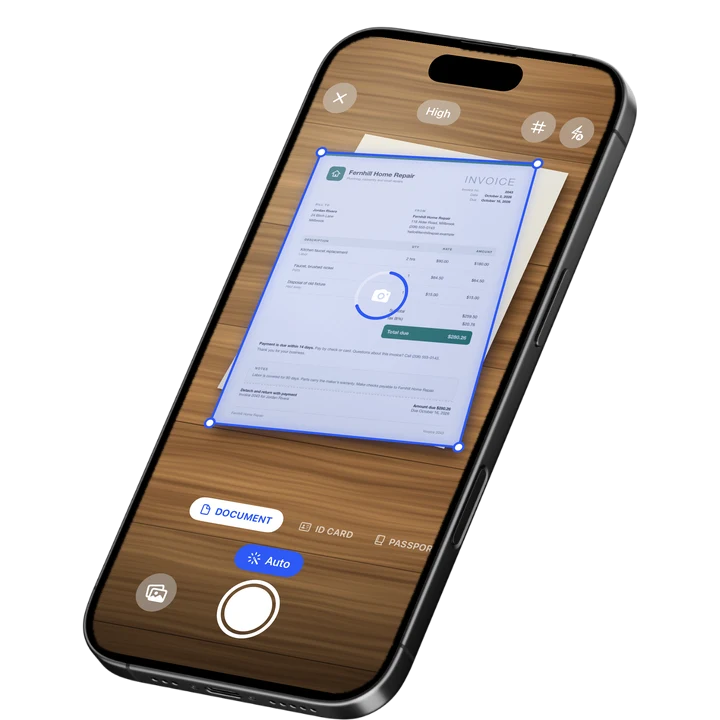
Before you send the file, you can watermark the PDF or redact an image to hide private details. If you need to scan a paper form first, see how to scan documents on iPhone.

On-device OCR. Secure, built for iOS.
Frequently Asked Questions
What is a signature maker?
A signature maker, also called a signature creator, makes a picture of your signature. You draw it with a finger, mouse or stylus, or type your name in a handwriting style. This one saves a PNG with a transparent background, so you can place the signature on a document or a form.
How do I make a signature online?
Open the Draw tab and sign on the pad, or open the Type tab, enter your name and pick a style. Choose black or blue ink, press Create signature and download signature.png. The tool runs in your browser, so your signature is not uploaded.
Can I draw my signature with my finger?
Yes. On a phone you can draw with a finger, and on a computer with a mouse, trackpad or stylus. The line is smoothed and tapers at both ends, like pen ink. A stylus that reports pressure changes the line width. Undo removes the last stroke and Clear empties the pad.
Is this a handwritten signature generator?
Yes, in two ways. Draw gives you a signature in your own hand. Type works as a handwritten signature generator: you type your name and pick one of six handwriting styles. A drawn signature is unique to you, while a typed one comes from a font.
Does it work for names in other alphabets?
Type mode writes Latin letters, which covers English and most European languages, including accented letters. For a name in Cyrillic, Greek, Arabic, Chinese, Japanese or Korean, use Draw. If a style cannot write a letter of your name, it is grayed out.
Is a PNG signature legally valid?
This tool makes a picture of a signature. It is not a certificate-based digital signature, and it does not verify who signed. Whether a picture of a signature is accepted depends on the document and on who receives it. Ask the other party if you are unsure.
Is my signature saved or uploaded?
No. Your signature is drawn and turned into a PNG in your browser, and it is not uploaded. Nothing is stored either. If you close or reload the page, the signature is gone, so download it before you leave. The tool needs no installation.
More Free Tools
Signature to PNG
Turn a photo of your signature on paper into a clean PNG with a transparent background.
Redact Image
Cover private details in a photo or screenshot with a black box, blur or pixelation.
Metadata Remover
Strip hidden details such as author, device and location from PDFs and photos.
Watermark PDF
Add a text watermark such as DRAFT or CONFIDENTIAL to all pages of a PDF or a range: diagonal, tiled or in a corner.
Online Document Scanner
Scan paper with your camera or a photo, fix the corners, pick a look and save a multi-page PDF.
ID Card to PDF
Put the front and back of an ID card on one A4 or Letter page at true size and save it as a PDF.