🔒 Face ID lock | 📱 Built for iPhone
Get a clean, professional PDF every time. Filewise turns contracts, invoices and receipts into sharp, multi-page PDFs in seconds, right on your iPhone.
Coming Soon to iPhoneTL;DR
Filewise is a document scanner app for iPhone that turns contracts, receipts, IDs and reports into sharp, multi-page PDFs in one tap. It reads the text in up to 25 languages, lets you sign, redact and password-protect files, and keeps your documents organized behind Face ID. Built for professionals who need a clean PDF every time.
Sharp, secure scans that are ready to send the moment you capture them.
1-Tap
Capture
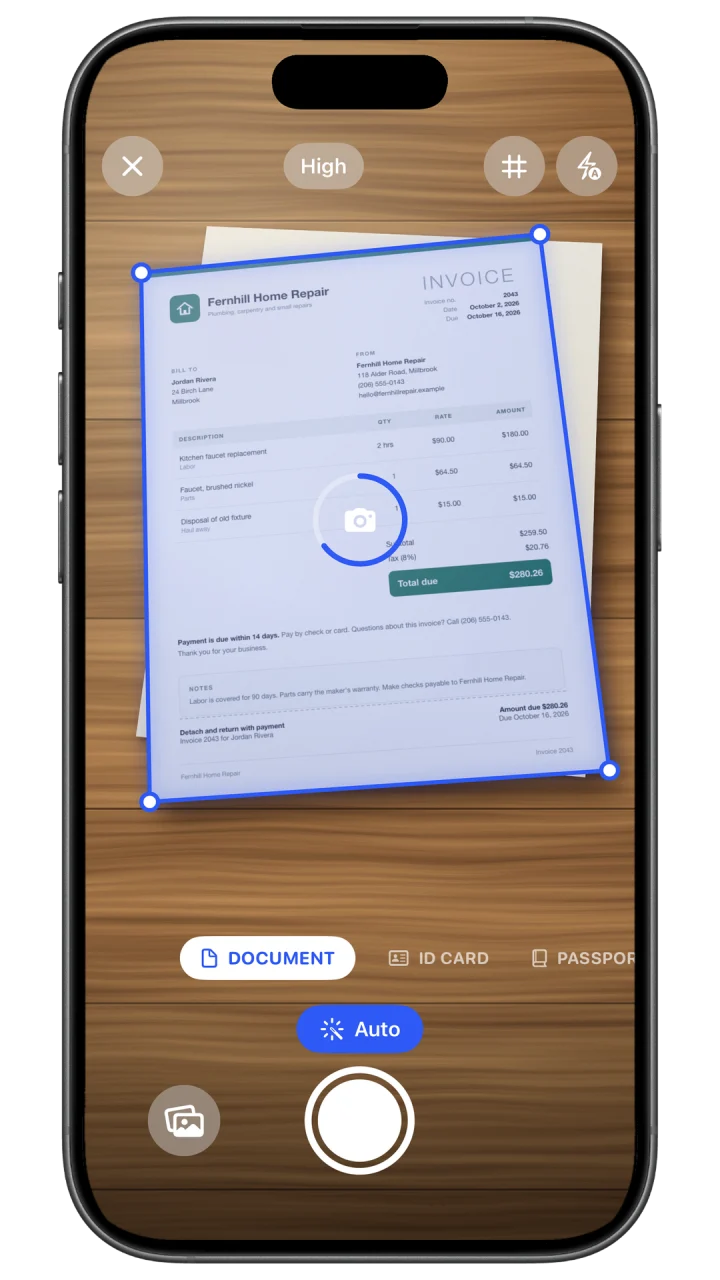
Auto-detects the page and grabs a sharp, straight scan
OCR
Text Recognition
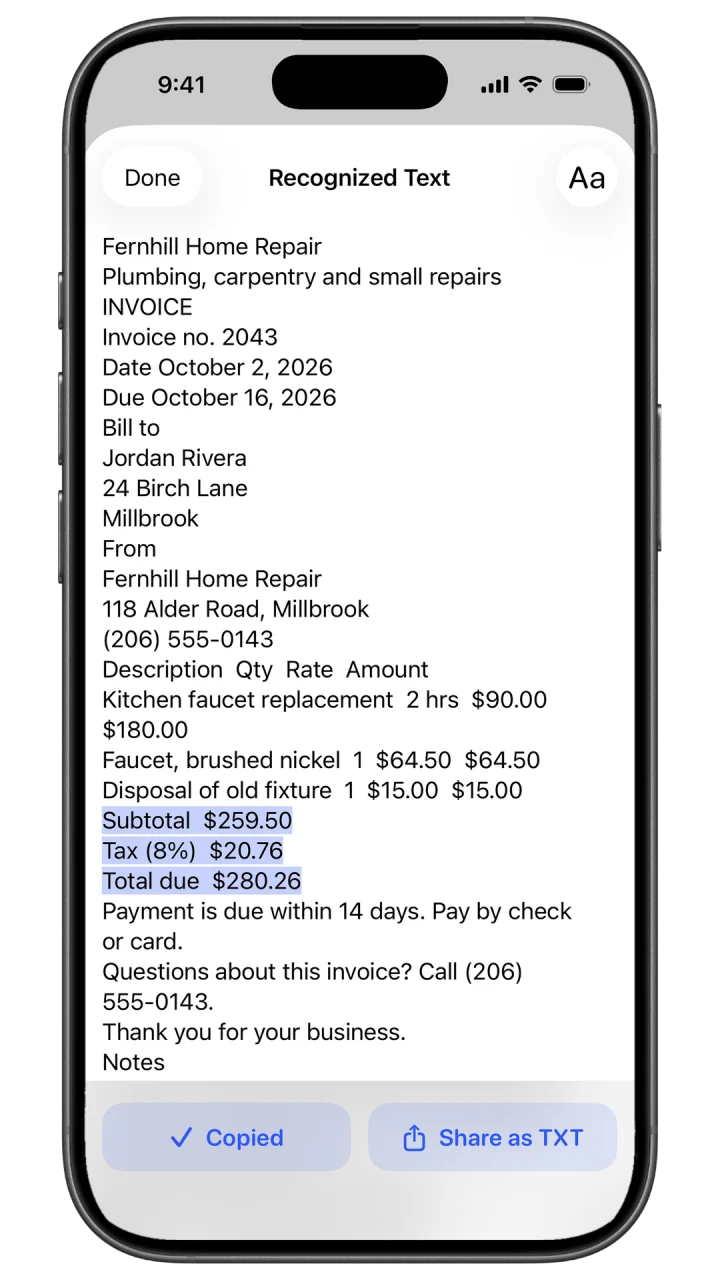
Find, copy or export text from any scan, right on your iPhone
Face ID
Secure
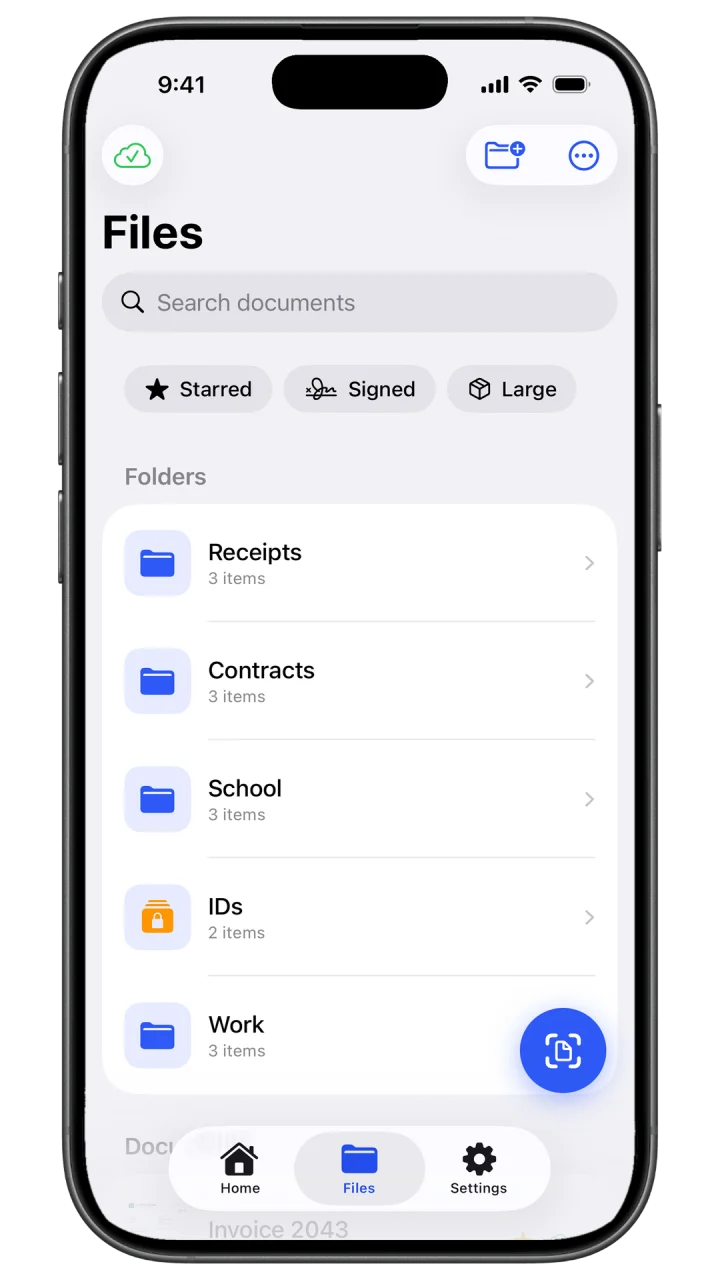
Lock the app or a folder behind Face ID, Touch ID or a PIN
Ready to Send
Clean, multi-page PDFs that look professional
"The best scanner is the one you never think about. Filewise captures a sharp, professional PDF on the first try, every time, so your contracts, receipts, and reports are done and ready to send in seconds."
One tap, and you have a finished PDF. Sharp, organized, and ready to send, from a single receipt to a hundred-page report.

Auto-Scan & Crop
Point your camera and Filewise does the rest: detects the edges, captures automatically, then crops and straightens the page. A professional-looking PDF, one tap at a time.

On-Device OCR Search
Filewise reads the text on every scan right on your iPhone, so you can find, copy or export it. Search across your documents inside the app, months after you scanned them.

Sign & Export Anywhere
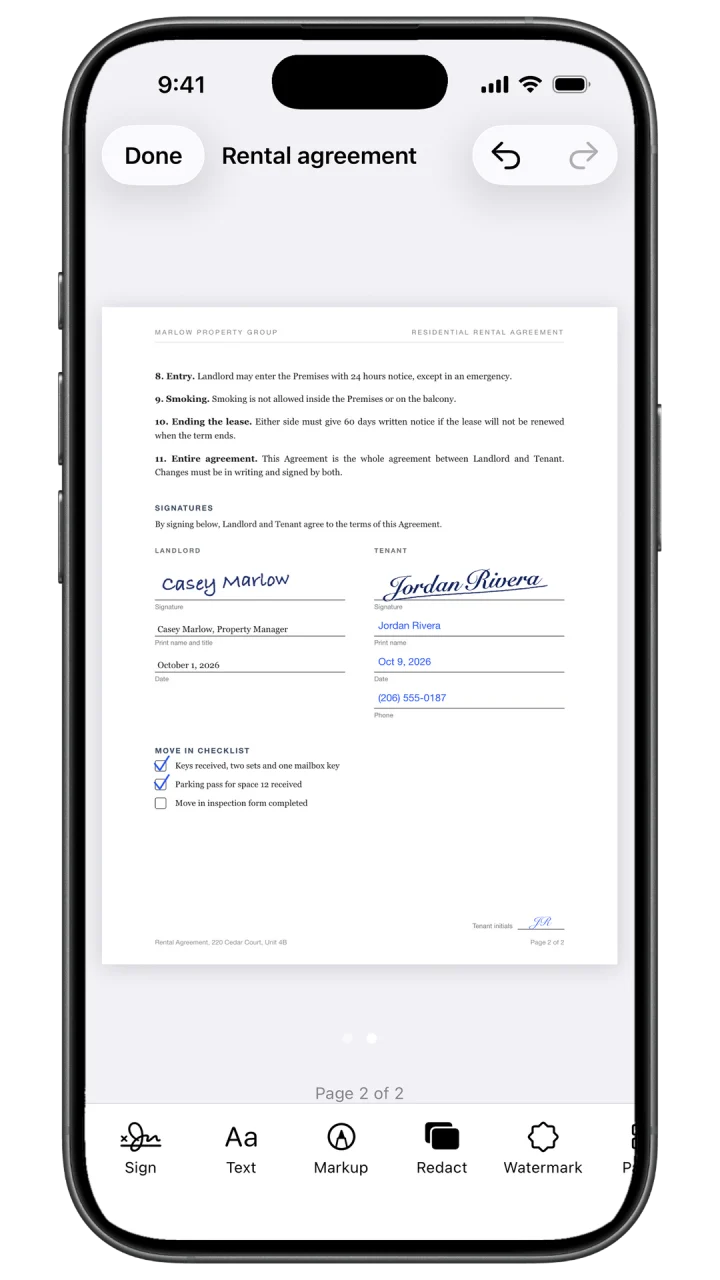
Sign with your finger, then export a clean PDF or JPG to Mail, Messages, or Files. Polished, ready-to-send documents in seconds.

Secure by Default
Lock confidential contracts, IDs and records behind Face ID. IDs and passports stay on your iPhone, so security is one tap away.
Common questions about scanning documents to PDF, on-device OCR, and keeping your files secure with Filewise.
Yes. Filewise is built for professional document work. Turn contracts, invoices, receipts, IDs, and reports into sharp, multi-page PDFs, read the text with on-device OCR, then sign and share. It is a reliable scanner that gets your paperwork done and ready to send.
Scanning and text recognition happen right on your iPhone. Lock confidential files behind Face ID, and IDs and passports stay on your iPhone, so your sensitive contracts, IDs, and records stay secure.
Yes. Filewise is a fast, reliable document scanner with on-device OCR, e-signature, multi-page PDF export, and Face ID security. It is designed to give professionals sharp, dependable scans and a clean workflow on iPhone.
Open Filewise and point your camera at the document. It automatically detects the edges, corrects the angle, and captures the page. Add more pages for a multi-page PDF, apply a filter to clean it up, then export or share the finished PDF in a few taps.
Yes. Filewise uses on-device OCR to read the text in your scans in up to 25 languages, including English, Spanish, German and French, right on your iPhone. Some languages need a newer version of iOS. You can search for words inside your scans, copy text straight out of any document, or export it as a TXT or Word file.
Yes. Filewise handles receipts, invoices, contracts, reports, and ID or passport documents with a dedicated ID mode. Multi-page scanning combines pages into a single organized PDF, and you can reorder, sign, or secure them before sharing.
Yes. Because scanning and text recognition run right on your iPhone, you can capture documents, recognize text, and export PDFs without a connection. Reliable whether you are on a job site, traveling, or in a meeting.
October 16, 2026
Compare the best scanner apps for small business in 2026, for contracts, invoices, receipts, and forms on iPhone.
October 15, 2026
Turn one photo or several into a PDF on iPhone using Files or Filewise, with steps to import from Photos and keep pages in order.
October 14, 2026
Compare the best ID card scanner apps for iPhone in 2026, including Filewise's ID Card mode that fits both sides on one page at real size.
October 13, 2026
Microsoft Lens was retired in 2026. Compare the best Microsoft Lens alternatives for iPhone, including Filewise, OneDrive, and Adobe Scan.
October 12, 2026
Sign a PDF on iPhone in 2026 with the built-in Markup tool or Filewise, step by step, including signing a scanned paper document.
October 11, 2026
Compare the best receipt scanner apps for iPhone in 2026, from Filewise for clean PDFs with text you can search to Expensify for expense report data.